



27th Mar 2026
Why the AXIS T3604-E Cellular Backbox Matters for Enterprise-Scale Deployments
The newly announced Axis Communications TP3604-E Cellular Backbox is more than just a connectivity accessory, it’s a practical answer to one of…

27th Mar 2026
The New AXIS Q6088-E AI PTZ Camera: Proactive Monitoring for Critical Sites
The next generation of new Q60 PTZ cameras from Axis Communications have raised the bar again when it comes to proactive surveillance and rapid incide…

26th Feb 2026
How Do AXIS Air Quality Sensors Create Healthier and Safer Spaces?
The announcement of the new AXIS D6210 and D6310 environmental sensors marks a first for Axis Communications. These intelligent devices use cutting-e…

23rd Dec 2025
Honeywell Camera Manager for Milestone XProtect: A Free Plugin That Makes Everyday Video Surveillance Easier
Milestone XProtect is known as one of the most powerful and flexible video management system (VMS) on the market. When paired with Honeywell cameras,…

24th Jun 2025
HOWTO: Add Remote Cameras to Your Milestone XProtect Video Management System with Arcules
As a cloud-native Video Surveillance as a Service (VSaaS) solution, Arcules offers a powerful way to extend your Milestone XProtect system beyond the…

17th Jun 2025
The New AXIS ARTPEC-9 System-on-Chip: Superior IP Camera Performance
Developed in-house by AXIS, the ARTPEC system-on-chip (SoC) is the heart and brain behind every AXIS camera. It’s a crucial component powering k…

24th Apr 2025
Milestone 2025 R1 Update - Remote Site Integration and Improved LPR
Milestone XProtect video management software has seen significant new capabilities in its latest 2025 R1 update, now offering seamless and easy integr…

27th Mar 2025
The new Axis P37 multi-sensor cameras - rapid setup for dynamic environments
With quick installation and flexible monitoring in mind, the versatile Axis P3747-PLVE and Axis P3748-PLVE cameras are built for maximising coverage o…

18th Feb 2025
Video: What is the correct frame rate for your CCTV system?
This video is part of our growing range of explainer videos where we cover the essentials of network video technology and how it can be used, coveri…
13th Feb 2025
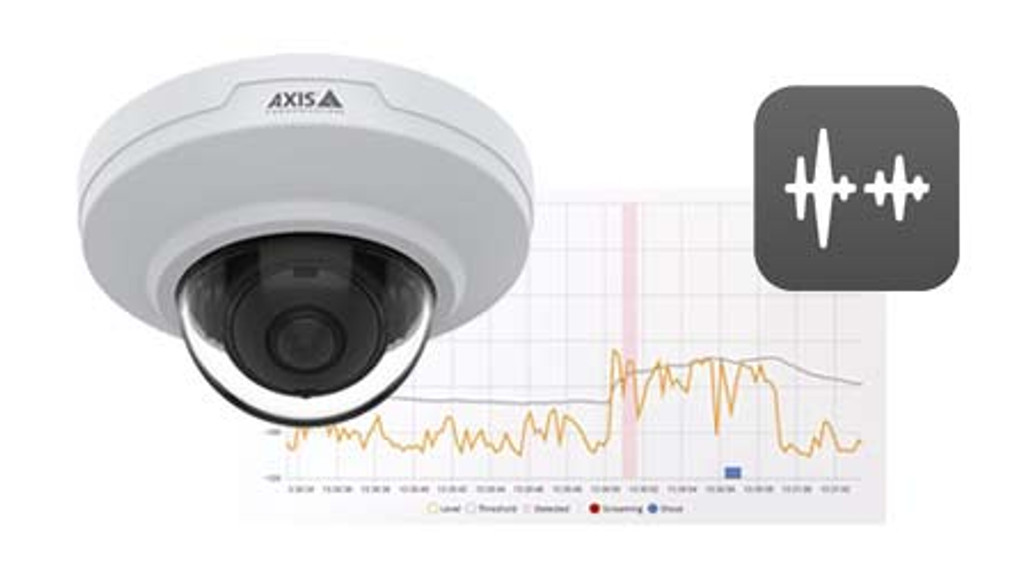
Improve staff safety with the new Axis M3086-V MIC with sound detection
As threats to front line staff working in public facing sectors become increasingly prevalent and more serious, the integration of sound detection tec…

3rd Feb 2025
The power of Axis Camera Station Edge
In the ever-evolving world of video surveillance, businesses are continually looking for solutions that are easy to deploy and maintain. Axis Communic…

11th Dec 2024
Can Axis My Systems simplify managing your camera estate?
Axis Communications are the world leaders in innovative products and solutions in the video security space, and that innovation extends into connected…